Journey: Diary, Journal
- 4.3
- Rating
- 5.00M
- Installs
- Free
- Price

 Analysis by App-foxy
I approached Journey: Diary, Journal as someone looking for a calmer way to record everyday thoughts rather than another task manager or social feed. It is a lifestyle app from Two App Studio Pte. Ltd., built around private-looking personal reflection and the simple habit of putting experiences into words. The idea is easy to understand, but the real value depends on whether you can make writing feel natural instead of turning it into another obligation.
After spending time with it, my impression is that Journey works best when I treat it as a low-pressure companion for short check-ins. I do not need to write a polished page every time. A few honest lines about a difficult conversation, a good walk, or an unusually busy day are enough to make the app useful. That flexibility is important because a journal that demands too much effort usually becomes something I stop opening.
What the app feels like in everyday use
The store summary calls it a journal for the mind and soul, but I found its practical appeal more down to earth: it gives scattered thoughts a home. Instead of leaving notes in a messaging app, saving fragments in a document, or relying on memory, I can place them in a dedicated journal and return to them later. That makes it suitable for emotional check-ins, personal milestones, travel memories, creative ideas, or a simple record of what happened during the day.
You May Also Like

 Blood Strike: 2.5 Anniversary
Blood Strike’s Loadouts Turn Every Drop Into a Tactical Gamble
A close look at Blood Strike’s custom loadouts: how fast access to signature weapons reshapes its battle royale rhythm, rewards preparation, and narrows the gap between fights.

 Pandora - Music & Podcasts
Pandora’s Music Is Easy to Start, but Harder to Recover
Pandora’s strength is its low-effort path from a seed to a station. Its weak spot is how much confidence it asks you to place in connection, setup, and quiet recovery.

 8 Ball Pool
 Is Built on Rivalries, Rematches, and Routine
A close look at the rivalries, rematches, shared routines, and unanswered safety questions that turn a quick pool match into a persistent mobile community.

 Samsung Music
’s Quiet Strength Is Playing What You Already Own
Its reach comes less from spectacle than from dependable access to a personal library. That simplicity is both the app’s strongest retention engine and its ceiling.

 AccuWeather: Weather Radar
AccuWeather Review: A Quick, Clear Forecast for Everyday Decisions
For everyday plans, the best forecast is the one you can understand quickly. AccuWeather makes rain timing, radar, and local conditions easy to act on, with a few trade-offs.

 Hill Climb Racing
Why Hill Climb Racing Still Turns Crashes Into One More Run
A tiny car, a bumpy hill and one more upgrade: Hill Climb Racing keeps resurfacing because its simple chaos makes every near-miss feel personal.
More From Our News Desk



It is free to install and suitable for Everyone, which makes the initial decision easy. The app has been available since July 27, 2014, and its current version is 5.7.0B-play, with Android support beginning at version 8.0. On the wider Android audience, it has passed five million installs, while its average rating sits at 4.3 from roughly ninety-four thousand ratings. Those figures suggest that the basic journaling concept has found a substantial audience, though popularity alone does not guarantee that its writing style will suit you.
I would not describe Journey as a replacement for a full note-taking system. A notes app is often quicker for storing a shopping list, copying text, or organizing reference material. A mood-tracking tool may be better if you want structured charts and repeated measurements. Journey occupies a more personal middle ground: it encourages reflection without forcing every entry into a rigid form.
That distinction helped me decide when to use it. If I want to capture a thought before it disappears, a quick note elsewhere may be faster. If I want to understand how a day felt and leave myself something meaningful to revisit, a journal entry makes more sense. The strongest habit is not writing a lot; it is returning often enough for the record to become useful.
Who is likely to enjoy it
Journey is a good fit for a first-time journal keeper who wants guidance from a dedicated space but does not want a complicated productivity system. It also suits people who already write occasionally and want their reflections separated from work notes. Someone processing a change in routine, planning a personal goal, or trying to notice recurring emotional patterns may find the format especially helpful.
I would be more cautious about recommending it to someone who expects a highly specialized mental-health program, a social writing community, or a sophisticated research notebook. It is not the right choice if your main need is collaboration, academic citation, or a strict database of information. Those tasks are better served by tools designed around them.
Getting through the first setup
For a new user, I suggest resisting the temptation to design a perfect journaling system before writing anything. Install the app, open the journal, and begin with the smallest useful entry. The first goal is not to decide on a lifelong format. It is simply to make the first page feel easy enough that you will come back.
A practical opening prompt is: “What took most of my attention today?” I like this question because it works whether the day was exciting, frustrating, or ordinary. I can answer it in a sentence, then add one detail that I might otherwise forget. This avoids the blank-page problem and turns the first session into an action rather than a planning exercise.
Another useful approach is to choose a consistent moment instead of an ambitious word count. Writing after dinner, during a commute, or just before bed gives the app a place in an existing routine. I would not begin by promising myself a long entry every day. That creates pressure, and pressure is exactly what makes personal journaling feel like homework.
The app is free, but it includes in-app purchases ranging from $0.99 to $199.99 per item. I recommend exploring the basic writing experience before considering any optional purchase. The important test is whether the free starting experience fits your routine and whether you understand what you want from the journal. Paying before discovering that can lead to a more expensive solution to a habit problem.
Because the app is categorized as Lifestyle rather than as a clinical or professional service, I also keep my expectations realistic. Writing can help me organize thoughts, but it is not a substitute for qualified support when I am dealing with serious distress. For everyday reflection, however, the straightforward approach is a strength: I can open it without first learning a complicated method.
Making the first entry genuinely useful
My preferred first successful action is a three-part entry: one fact, one feeling, and one next step. For example, I might write that I had a tense meeting, that I felt distracted afterward, and that I will take a short walk before starting the next task. This structure is small enough for a busy day but more valuable than a vague sentence such as “Today was bad.”
The fact keeps the entry grounded. The feeling records my experience without pretending to be objective. The next step prevents the journal from becoming only a place to replay frustration. I do not use this formula every time, but it is an excellent fallback when I open the app and do not know what to say.
One of the less obvious benefits of this method is that it separates memory from interpretation. A month later, I can see what actually happened and how I understood it at the time. That difference can be revealing. I may discover that a situation I remembered as disastrous was limited to one difficult hour, or that a recurring irritation appears whenever I skip rest.
For a realistic everyday scenario, imagine arriving home after a crowded workday. Instead of trying to summarize everything, I would record the one moment that stayed with me, describe my energy level, and note what I need tomorrow. The whole process can remain brief. The meaningful success is not producing a beautiful diary page; it is converting a noisy day into something I can understand.
I also recommend writing for your future self rather than for an imaginary audience. That means using concrete details that will make sense later: why a decision mattered, what you were worried about, or what made you laugh. A polished entry can be pleasant, but an honest one is usually more valuable when you return to it.
Confusion that can appear after the first few entries
The first common misunderstanding is thinking every entry must be complete. It does not need a beginning, middle, and conclusion. A short observation is still a valid journal entry. If I only have time to write “I felt more focused after leaving my phone in another room,” that can be enough to preserve an insight worth testing again.
The second is expecting the app to automatically create a habit. It can provide the place to write, but I still have to decide when writing belongs in my day. I get better results when I connect it to an existing event, such as making tea or closing my laptop. Without that cue, even a well-designed journal can disappear from my attention.
A third source of friction is using the journal as an unfiltered storage bin for everything. If I paste every reminder, receipt, and temporary thought into the same stream, meaningful reflections become harder to find. I prefer to keep practical lists in a notes tool and reserve Journey for experiences, decisions, and observations I may want to understand later.
Privacy is another point worth considering carefully. A journal can contain sensitive personal material, so I would read the app’s current privacy and security information before recording anything highly confidential. I also avoid treating a phone journal as the only copy of memories that would be impossible to replace. That is not a criticism of this particular app; it is sensible practice for any digital diary.
Some users may also feel unsure about the in-app purchase model because the available items span a wide range. My advice is simple: decide what problem you are trying to solve first. If you only need a place to write occasional entries, begin with that experience. If you later identify a feature or workflow that genuinely saves time, evaluate the purchase on that specific benefit rather than assuming payment is necessary for journaling itself.
Ways to build a better personal workflow
After the first week, I would create a few repeatable prompts instead of waiting for inspiration. “What gave me energy?”, “What am I avoiding?”, and “What deserves my attention tomorrow?” lead to different kinds of entries. Rotating them prevents the journal from becoming a repetitive list of events and encourages reflection on choices, energy, and priorities.
A particularly useful workflow is to write a short evening entry and revisit it at the end of the week. I look for repeated words or situations rather than judging individual days. This can reveal practical patterns, such as doing better work after a slower morning or becoming more irritable when plans are too tightly packed. The journal becomes a tool for noticing, not merely remembering.
I also like using it after important conversations. Immediately afterward, I can record what was said, what I assumed, and what I actually need to do next. That separation helps me avoid turning a first emotional reaction into a permanent conclusion. It is a small technique, but it makes the journal more useful for decision-making than a simple chronological diary.
For creative work, I would use entries as a place for unfinished ideas rather than polished drafts. A rough concept, an image, or a question can be valuable even when it is not ready to share. The advantage of keeping these fragments in a personal journal is that I can capture the original feeling behind an idea before editing removes it.
Another trade-off is searchability versus emotional flow. The more structure I add, the easier it may become to review themes, but too many labels can interrupt the act of writing. I prefer a short entry first and organization later, only when I notice a genuine need. That keeps the journal from becoming an administrative project.
How it compares with familiar alternatives
Compared with a basic notes app, Journey feels more intentional. A notes app is usually superior for speed, temporary information, and mixed-purpose storage. Journey is preferable when I want the act of writing to signal that a thought matters. The separation can make it easier to be honest, although it also means maintaining another app instead of keeping everything in one place.
Compared with a paper diary, the digital format is more convenient for carrying a record with me and adding thoughts whenever they occur. Paper still wins for people who enjoy handwriting, want a screen-free ritual, or find digital notifications distracting. I would choose Journey when convenience and regular access matter more than the physical sensation of a notebook.
Compared with mood trackers, this app gives me room to explain why I felt a certain way. A single rating can show a pattern, but it cannot always show the event behind it. On the other hand, a dedicated mood tracker may be better for someone who wants consistent measurements and visual summaries rather than open-ended writing.
Compared with therapy or guided mental-wellness programs, Journey is much less structured. That is useful when I want freedom, but limiting when I need exercises, professional guidance, or a clear progression. I see it as a personal reflection tool, not as treatment and not as a replacement for human support.
The next step after the novelty fades
The real test comes after the first few enthusiastic entries. To keep the habit alive, I would lower the standard on busy days and raise the quality only when I have something important to explore. A single sentence preserves continuity. A longer entry can wait for a quiet moment. This flexible rhythm is more sustainable than demanding the same performance every day.
I would also schedule a gentle review rather than endlessly accumulating pages. Once a week, I can look back and choose one recurring concern, one positive moment, and one adjustment for the coming days. This turns old entries into feedback. Without occasional review, a journal can become a storage box that feels productive but teaches me very little.
For someone trying it for the first time, my recommendation is to judge the app after a small, realistic experiment: write brief entries during ordinary days, not only on dramatic ones. Notice whether the writing helps you clarify decisions, remember experiences, or recognize patterns. If it does, Journey has earned a place in your routine. If it feels like another chore, a paper notebook or a simpler notes tool may suit you better.
Overall, I find Journey most convincing as a gentle, adaptable digital journal rather than an all-purpose life-management system. Two App Studio Pte. Ltd. has created an approachable entry point for people who want to start reflecting without building a complicated framework. Its limitations are equally clear: it will not supply motivation, replace specialized tools, or turn vague thoughts into insight without some effort from me.
My honest advice is to start small, write something specific, and wait before paying for anything. If that first short entry makes the day feel easier to understand, the app is doing its job. If you need structured tracking, collaboration, clinical guidance, or a completely screen-free ritual, another option will probably be a better match. For everyday personal reflection, though, this free Lifestyle app is a reassuring place to begin.
FAQs for Journey: Diary, Journal
01What is Journey: Diary, Journal used for?
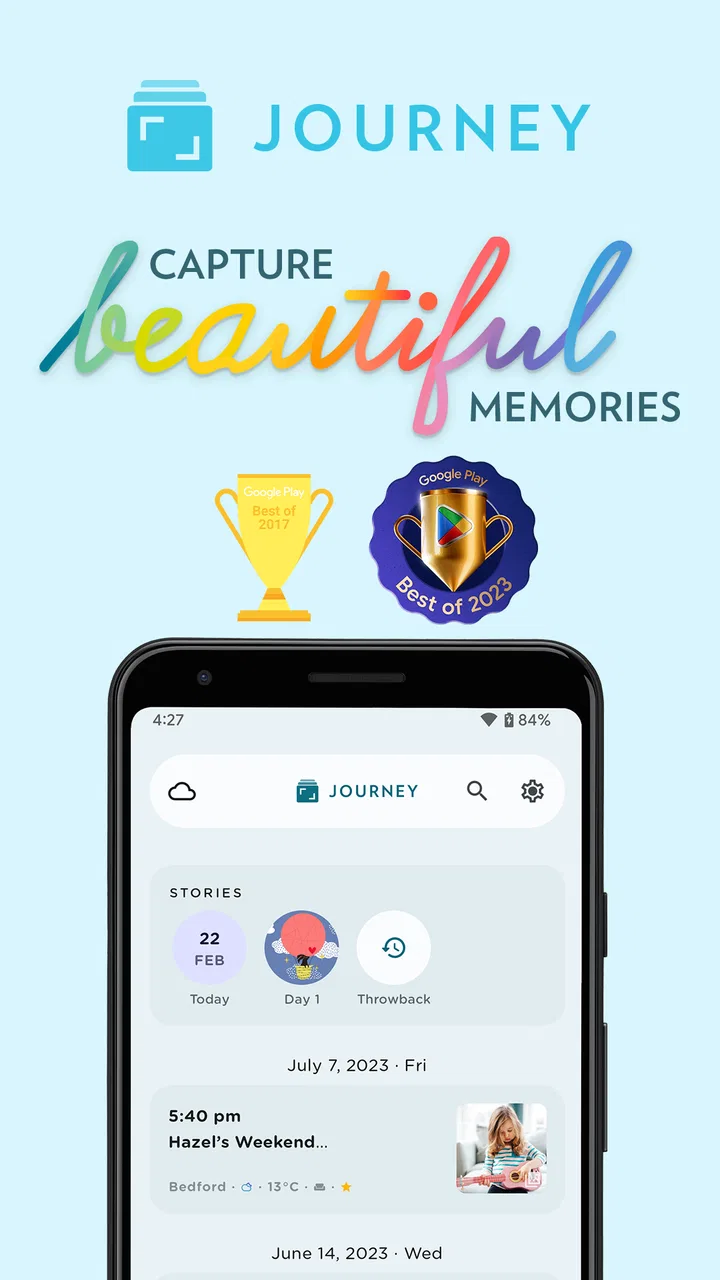
Journey: Diary, Journal is a digital journaling app designed for recording personal thoughts, daily events, memories, goals, and reflections. During use, entries can be organized by date and enhanced with photos, locations, weather information, tags, and other details. It is suitable for private journaling, travel logs, gratitude practice, mood tracking, or keeping a long-term personal record in one place.
02Is Journey: Diary, Journal available on Android and iOS?
Journey is available across major platforms, including Android and iOS, although specific features and availability may vary depending on the device, operating system, and current app version. Before downloading, users should check the official store listing for compatibility requirements. The app may also support access through other platforms, making it useful for people who want to continue writing from different devices.
03Does Journey: Diary, Journal protect my private entries?
Privacy is an important consideration because journal entries often contain highly personal information. Journey provides security-related options such as app locking or biometric protection on supported devices, while account and synchronization features may depend on the service configuration. Users should review the app’s current privacy policy, backup settings, and security options, and avoid storing extremely sensitive information without understanding how their data is handled.
04Can I use Journey: Diary, Journal without an internet connection?
Journey can generally be used for writing and viewing journal entries when an internet connection is unavailable, which is convenient for travel or areas with limited coverage. However, online access may be required for synchronization, cloud backups, account-related functions, or restoring entries on another device. If offline access is important, it is recommended to test the feature and confirm that unsynchronized entries are safely backed up later.
05Is Journey: Diary, Journal free to download and use?
Journey is typically available to download at no initial cost, but some advanced tools and services may require a subscription or separate purchase. Premium features can vary over time and may include additional customization, synchronization options, export tools, or enhanced journaling functions. Before subscribing, review the price, billing period, trial conditions, and cancellation policy shown in the relevant Google Play or App Store listing.
Pros
- Clean
- calming interface that makes daily journaling feel inviting.
- Supports photos
- locations
- and weather for richer memory entries.
- Useful mood tracking helps reveal emotional patterns over time.
- Cross-platform access keeps entries available across supported devices.
- Prompts and guided templates help when you are unsure what to write.
Cons
- Many advanced features require a paid Journey Premium subscription.
- Some users may find frequent reminders distracting or unnecessary.
- Cloud syncing depends on account access and a stable internet connection.
- The number of settings can feel overwhelming for first-time journal users.
- Export and backup options may be less flexible than dedicated note apps.

Journey: Diary, Journal
Gallery